AI Automation
Purchase Order Automation for Distributors: Stop Retyping Emailed POs
Customer POs and supplier confirmations arrive as email and PDFs. Your ERP needs them as clean data. Here is how to close that gap safely.
Let the system handle the easy orders and send the hard ones to your best people.
How many purchase orders did your team retype last week?
For a lot of distributors, the honest answer is "most of them." Customers email PDFs. Suppliers email confirmations. Someone opens each one, reads it, and keys prices, quantities, and dates into the ERP. It is slow and error-prone, and it means the order desk has to hire every time volume grows.
Purchase order automation fixes that without replacing your ERP. Here is how it works, where it pays off first, and how to roll it out safely.
Two Directions of PO Work
Distributors handle purchase orders in two directions, and both can be automated:
Each one is a document-to-ERP problem. The same pattern solves both.
How PO Automation Works
A modern PO automation flow has six steps:
- Ingest
- Classify
- Extract
- Match
- Validate
- Route
The last step is what makes it safe. You are not trusting a model blindly. You are letting it handle the easy orders and sending the hard ones to your best people.
Where It Pays Off First
Start where volume and pain overlap:
A published 2026 case study about a building-materials distributor shows the order-desk version. A coordinator manually retyped emailed POs into NetSuite at about 10 minutes per order. After automation, order handling dropped to 2 minutes per order, three in four orders were approved with zero edits, and the order desk gained 80% more capacity.
A case study published in September 2026 shows the supplier side. Staff at a private equity-backed distributor of fluid conveyance products opened about 500 supplier PO confirmations a day and keyed the details into Epicor P21, with data-entry error rates of approximately 10% to 20%. Automating those confirmations eliminated approximately 2,000 hours of manual work annually.
A Step-by-Step Rollout
What to Measure
Measure these before you start. Without a baseline, you can't show the win.
Mistakes to Avoid
The Same Pattern Works for Quotes
Quoting is PO entry's cousin: a request comes in, someone researches parts and prices, and a document goes out. A published case study about a PE-backed industrial distributor reports that "part-lookup time dropped by up to 60%," with a knowledge assistant that reached 96% accuracy. Another reports that a $12B+ medical and dental distributor cut quote turnaround "from 4 business days to less than 2 days."
By the Numbers
Across the 112 published distribution and warehousing case studies we reviewed, hours saved was the most commonly reported result (41 of 112), followed by faster turnaround (36). Where a percentage cut in manual time is stated, the median sits between 75% and 80% (six case studies). The examples below are self-reported by the firms that published them.
- 75%of emailed purchase orders approved no-touch; handling time fell from 10 to 2 minutes per order
- ~2,000 hrsof manual supplier PO confirmation work eliminated annually at a PE-backed distributor
- < 1 minto process an order, down from 5-7 minutes, with $40,000+ in annual overhead cost savings
- Up to 60%less part-lookup time for quoting at a PE-backed industrial distributor, at 96% accuracy
Self-reported results from case studies other software firms have published. See Sources & method below.
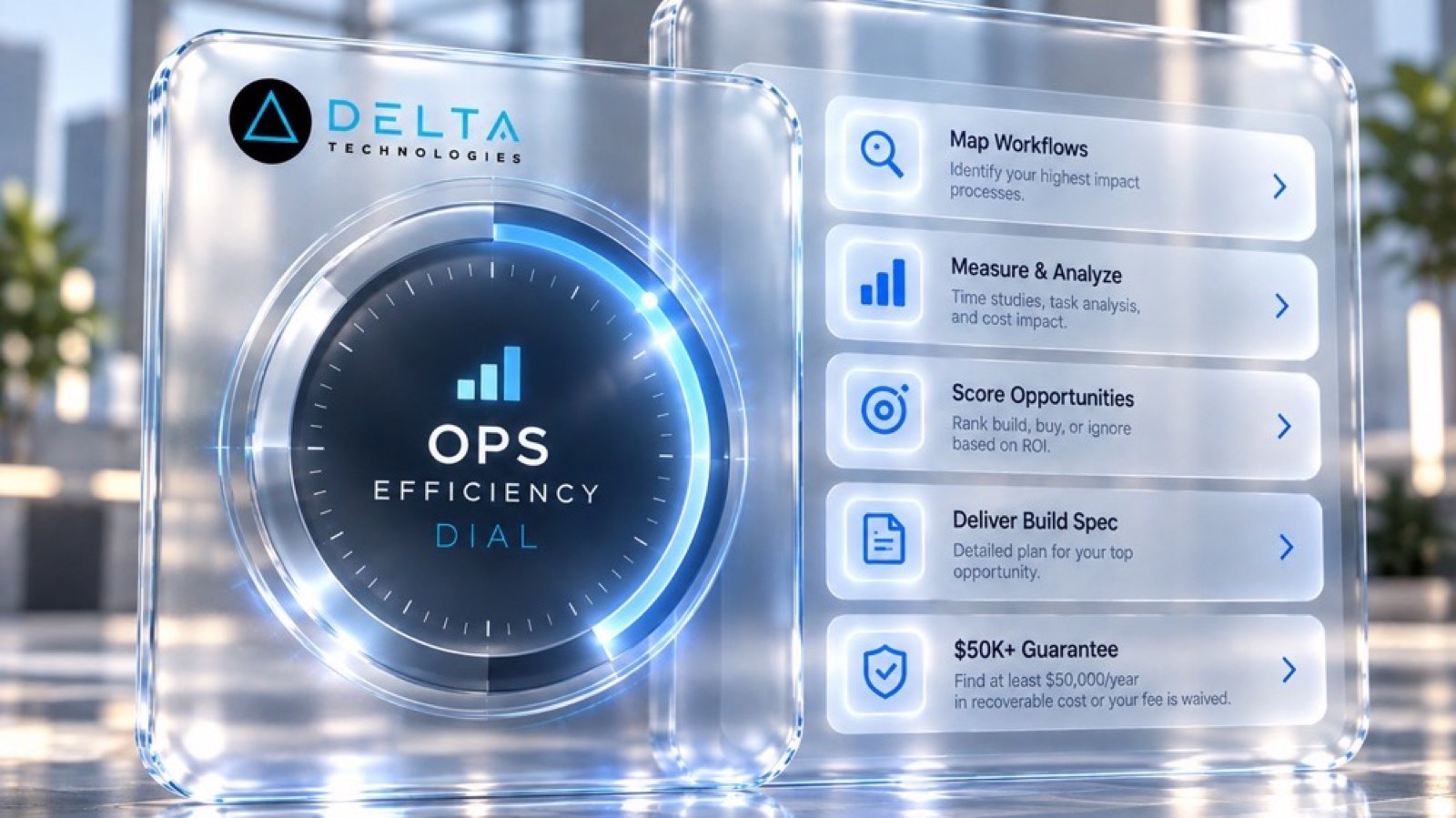
Where does your team sit? The 14-day Ops Efficiency audit measures it. Book the audit
Start With a Systems Review
PO automation works best when it is built around your documents, your item master, and your ERP. A Systems Review looks at your real order and confirmation volume, finds the document types worth automating first, and ranks them by the hours they give back. See how we connect ordering, inventory, and finance in our unified operations platform case study, or explore our AI automation and custom software services.
Sources & method
- Building-materials distributor, PO automation — published case study (Code District)
- Fluid-conveyance distributor, PO confirmation automation — published case study (REEA Global, 2026)
- Beauty-products distributor, e-commerce order flow — published case study (Kissinger Associates)
- Industrial distributor, AI quoting assistant — published case study (OneSix)
- Medical and dental distributor, quote automation — published case study (ProfitOptics)
Figures are self-reported results from case studies other software firms have published. Delta did not produce these results. Where a source says “up to”, so do we.
FAQ
Frequently Asked Questions

Know a business that’s struggling to keep up with changing customer expectations?
Share this article.
Tell Us What You’re Seeing
How are customer expectations changing in your industry? Share your thoughts privately with Delta Insights.