Business Strategy
Replacing the Trucking Dispatch Spreadsheet: A Practical Guide for Growing Fleets
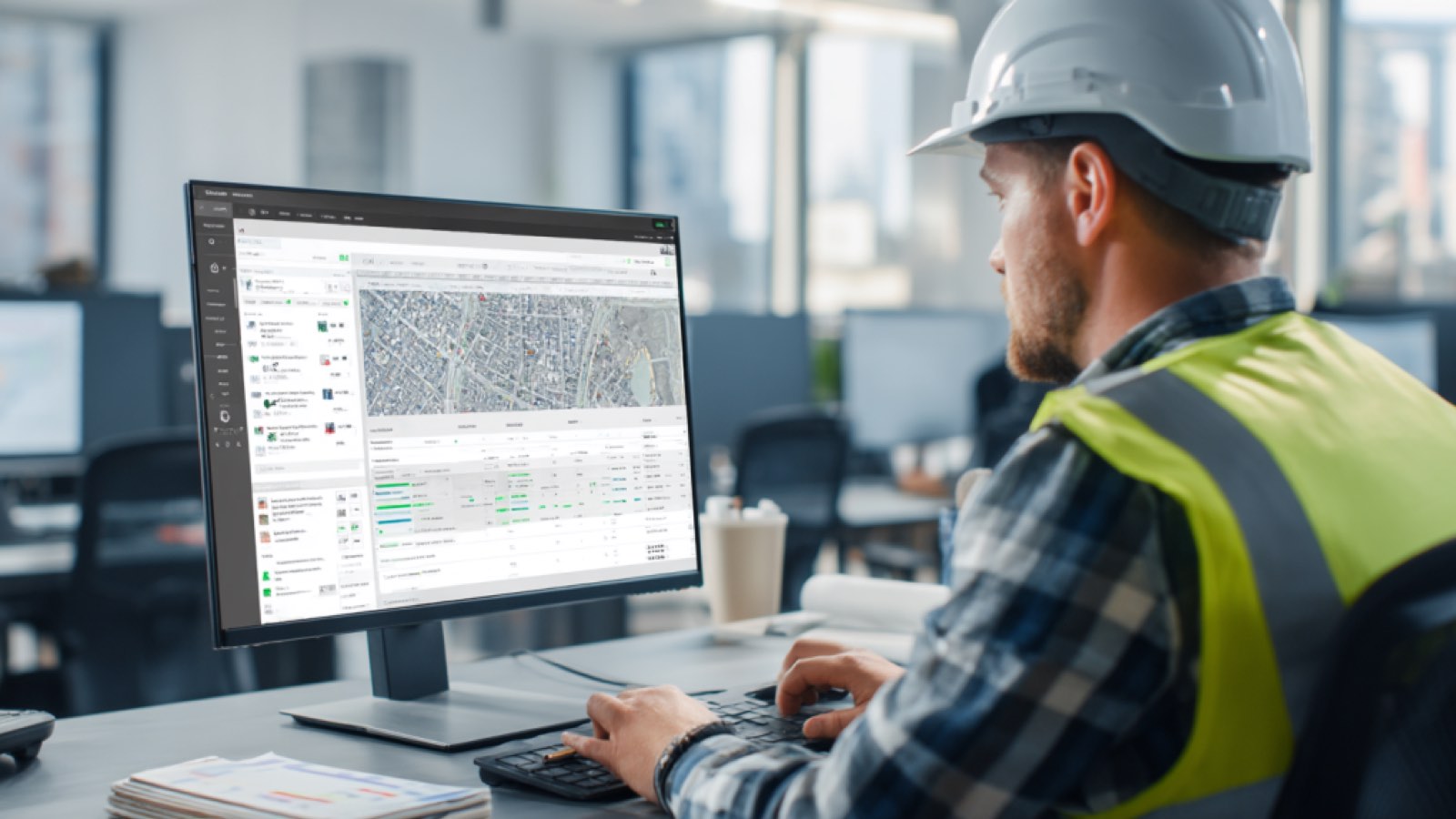
When the dispatch board lives in a file only two people understand, it is time to replace it one job at a time.
Dispatch is not a list. It is a live system, and a spreadsheet cannot run a live system.
Every trucking company has one: the dispatch spreadsheet. Sometimes it is a whiteboard, sometimes a shared Excel file, sometimes a wall of cards. It works until the fleet grows. Then it becomes the one place where the truth lives, and only two people know how to read it.
If your dispatchers spend the morning on check calls, retyping rate confirmations, and moving cells around to match driver hours, this guide is for you. It covers when to replace the dispatch spreadsheet, what to build first, and what other fleets have reported after making the switch.
Why the Dispatch Spreadsheet Breaks as the Fleet Grows
A spreadsheet is a fine place to start. It is flexible, cheap, and everyone already knows how to use it. The problem is that dispatch is not a list. It is a live system with moving parts: loads, drivers, trailers, hours of service, customer windows, and invoices, all changing at once.
A spreadsheet cannot tell you that a driver will run out of hours before a delivery. It cannot warn you that a trailer has been sitting long enough to trigger a penalty. It cannot push a delivered load to billing. So people do those jobs by hand, and every hand-off is a place where something slips.
At ten trucks, that is manageable. At fifty trucks running the I-55 and I-80 corridors out of Joliet and Bolingbrook, it becomes the bottleneck the whole operation waits on.
Dispatch is not a list. It is a live system, and a spreadsheet cannot run a live system.
Signs It Is Time to Replace It
You do not need a consultant to tell you the spreadsheet is failing. Look for these signs:
If three or more apply, the spreadsheet is already costing you more than a system would.
What to Build First
The most common mistake is trying to replace everything at once. A better approach is to retire the spreadsheet one job at a time, starting where the friction is highest.
- Map the load lifecycle
- Create one load record
- Bring driver status in automatically
- Build the board your dispatchers actually use
- Trigger billing from delivery
Ship each step to real dispatchers before you design the next one. If the team does not use step two, step three does not matter.
Buy a TMS or Build the Dispatch Layer?
Off-the-shelf transportation management systems work well for fleets whose operation looks like everyone else's. Many growing fleets are different. They haul specialty freight, run dedicated customers, pay drivers on unusual rules, or mix asset and brokerage work in ways a generic system forces into workarounds.
For those fleets, a hybrid approach usually wins. Keep accounting, email, and your ELD provider as they are. Build a custom dispatch layer that connects them and fits the way your dispatchers actually work. You own it, and it changes when your operation changes. Our custom software development services are built around exactly this kind of operational layer.
By the Numbers: What Published Case Studies Report
Published industry case studies from software firms show where the time goes. The figures below are self-reported by the firms that published them, and each describes a single project rather than an industry average.
- 60%faster dispatch scheduling after replacing a paper T-Card board
- 31%more daily routes managed by dispatchers without additional headcount
- 30%admin time saved after moving driver pickups and drop-offs off paper
- 15%improvement in on-time delivery performance
Self-reported results from case studies other software firms have published. See Sources & method below.
Late deliveries as a share of total stops (cross-border carrier, about 500 vehicles)
Before: 18%After: 7%
Self-reported results from case studies other software firms have published. See Sources & method below.
Different fleets, different software, same pattern: the gains came from removing manual hand-offs, not from adding more screens.
Where does your team sit? The 14-day Ops Efficiency audit measures it. Book the audit
How to Start Without Stopping the Trucks
You cannot pause dispatch for a software project, so do not try. Run the new system alongside the spreadsheet for one terminal, one customer, or one lane. Compare the two for a few weeks. When the dispatchers trust the new board, move the next group over.
This parallel approach keeps freight moving and gives you numbers from your own operation before you commit further. It also surfaces the rules your best dispatchers carry in their heads, such as which customers always run late at the dock and which drivers prefer which lanes. That knowledge is the part most worth putting into software.
Ready to Retire the Spreadsheet?
If your dispatch board lives in a file only two people understand, the first step is to see exactly where the time goes. A Systems Review maps your load lifecycle, ranks the manual work by what it costs you, and shows you what to build first.
Start with the friction. The software comes after.
Sources & method
- Fleet operator, digital dispatch board — published case study (Softura, 2025)
- Cross-border carrier, dispatch platform — published case study (COAX Software)
- Vehicle-transport company, driver app — published case study (Denovo Studios)
- Freight and 3PL provider, carrier scoring — published case study (Trinetix)
Figures are self-reported results from case studies other software firms have published. Delta did not produce these results. Where a source says “up to”, so do we.
FAQ
Frequently Asked Questions

Know a business that’s struggling to keep up with changing customer expectations?
Share this article.
Tell Us What You’re Seeing
How are customer expectations changing in your industry? Share your thoughts privately with Delta Insights.