Business Strategy
How to Track Medical Equipment and Devices Across Multiple Locations
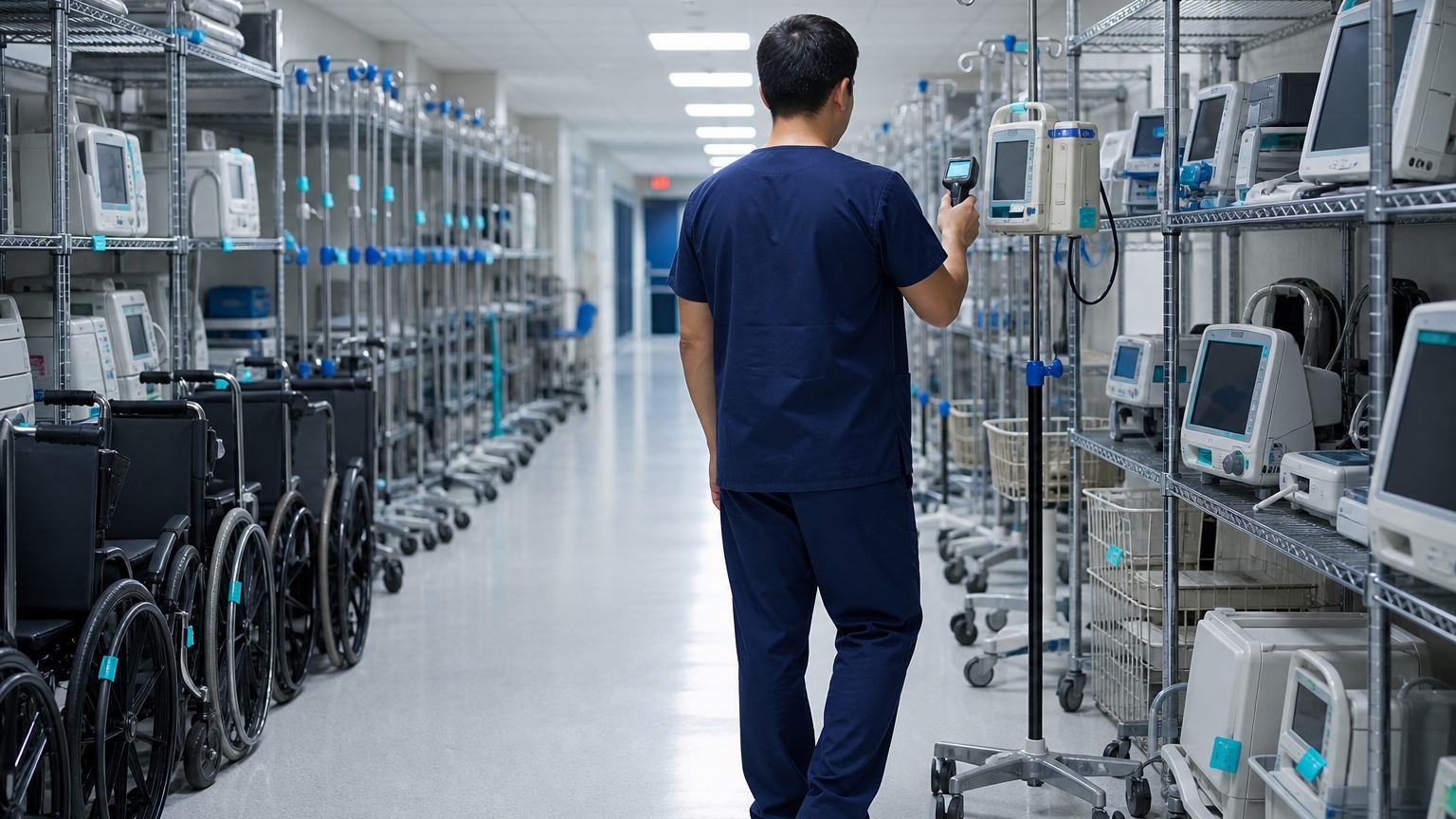
A practical guide for operations and practice managers who track devices and equipment in spreadsheets, paper logs and memory.
If finding a device means calling three offices, your tracking system is the phone.
A growing healthcare organization collects equipment quickly: laptops and tablets for staff, scanners and label printers at the front desk, phones, portable devices, and equipment that moves between rooms, people and locations. Each item has a purchase date, a warranty, a service schedule and someone who has it right now. In most organizations that information lives in a spreadsheet one person maintains, a paper log at each site, and the memory of whoever placed the order.
That works until someone needs to find a device, a warranty repair comes up, or an auditor asks for a service history. This guide explains how to set up equipment tracking that stays accurate across locations: what to record, how to keep it current, which alerts matter and what to measure.
Signs your tracking has outgrown the spreadsheet
If three or more of these sound familiar, the problem is not discipline. It is that the record and the equipment are updated at different times by different people.
Build one asset register
Every item gets one record with the same fields:
| Field | Example | Why it matters |
|---|---|---|
| Asset tag | A barcode or QR label on the item | Ties the physical item to its record |
| Category and model | Laptop, portable scanner | Lets you compare cost and reliability |
| Assigned to | A person, a room or a location | Answers "where is it?" |
| Status | In use, spare, in repair or retired | Shows what is actually available |
| Purchase and warranty | Date, vendor and coverage end | Stops you paying for covered repairs |
| Service schedule | Next preventive maintenance date | Drives maintenance alerts |
| History | Every move, repair and reassignment | Answers an auditor's questions |
Standardize categories, model names and location names before you import anything. Five spellings of the same model become five rows in every report.
Keep it current without extra work
A register is only useful if it changes when the equipment does. The answer is to record events at the moment they happen, as part of work people already do:
- Receiving: tag it and create the record
- Assignment: scan it to a person, room or location
- Transfer: scan it again when it moves
- Repair: log when it leaves and when it returns
- Retirement: record disposal and data wipe
The transfer step is where most registers drift: an item moves between sites or rooms and nobody records it. Make the scan quick enough to do on the spot. If updating the record means walking back to a desk, it will not happen.
The alerts that matter
Most of the value comes from a few alerts, each sent to the person who can act on it:
Count once a quarter
Even a good register drifts. Once a quarter, have each location scan everything on site and compare it with the register. Investigate both lists: items in the register that were not found, and items found that are not in the register. The second list is often where duplicate purchases begin.
Common mistakes
By the numbers
Published industry case studies from software firms show where the time goes. The figures below are self-reported by the firms that published them, and each describes a single project rather than an industry average.
The example below reports results on both costs described above: time spent finding equipment, and equipment bought twice.
- 30–40%reduction in time spent on asset tracking
- 20%decrease in unnecessary equipment purchases
Self-reported results from case studies other software firms have published. See Sources & method below.
Where does your team sit? The 14-day Ops Efficiency audit measures it. Book the audit
What to measure
Where to start
Pick one location and one category, such as staff laptops and tablets, and tag them this month. Delta Technologies builds tracking and workflow tools around the systems an organization already uses, from purchasing to HR. Explore our services, read more on our blog, or book a systems review to map where your equipment records live today and what it would take to connect them.
Sources & method
Figures are self-reported results from case studies other software firms have published. Delta did not produce these results. Where a source says “up to”, so do we.
FAQ
Frequently Asked Questions

Know a business that’s struggling to keep up with changing customer expectations?
Share this article.
Tell Us What You’re Seeing
How are customer expectations changing in your industry? Share your thoughts privately with Delta Insights.