Business Strategy
Still Scheduling Technicians in a Spreadsheet? How to Move to a Real Dispatch Board
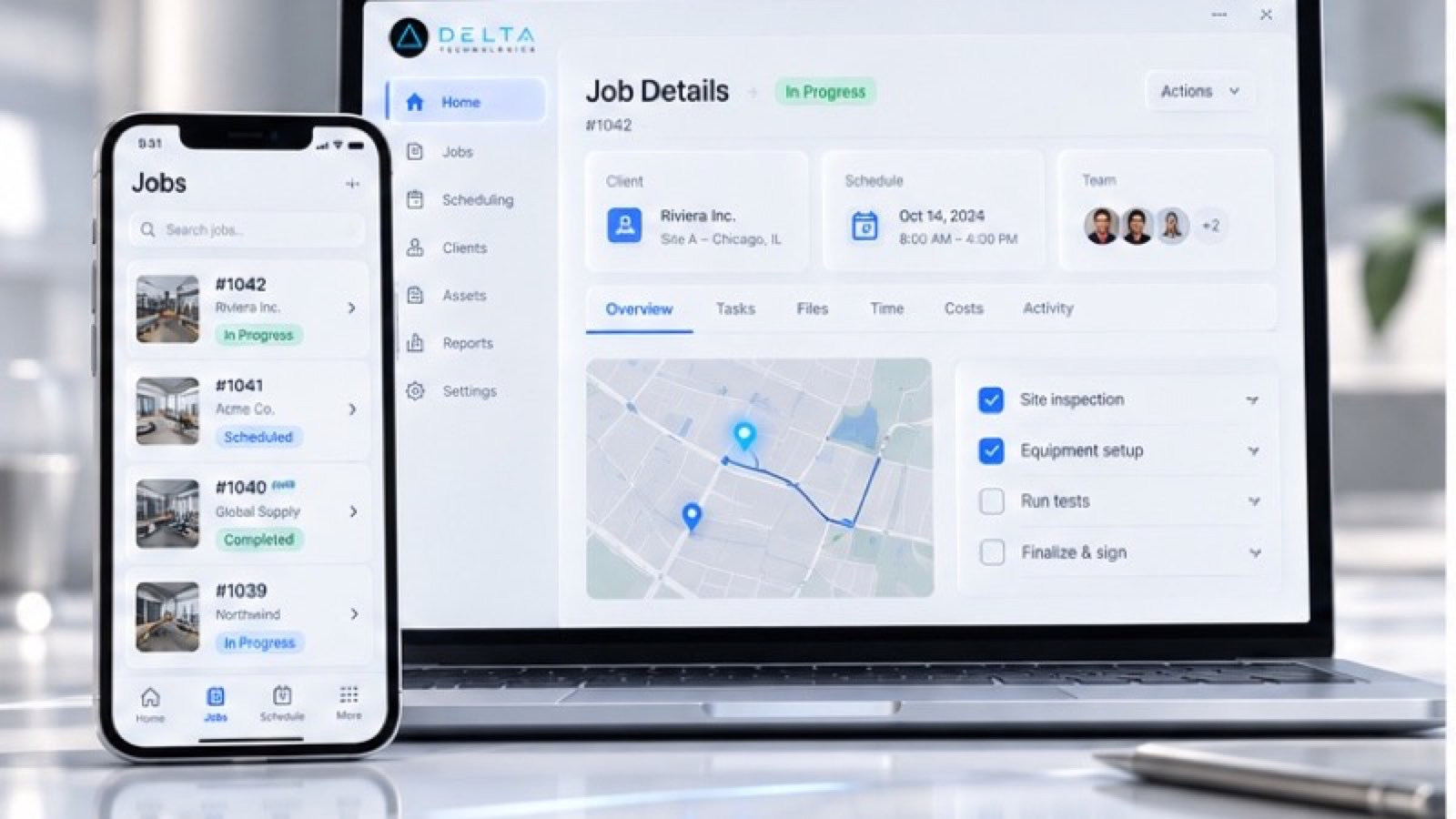
How to tell when a scheduling spreadsheet has hit its limit, what a dispatch board needs to do, and how to make the move without disrupting your crews.
A spreadsheet can show who is booked. It cannot tell the customer the tech is on the way, or tell payroll the job is done.
The scheduling spreadsheet made sense when you had three technicians. One person owned it, everybody knew the color codes, and changes were rare.
Now there are more trucks, more job types, and more people editing the file. Jobs get double-booked. A technician calls the office between every stop to ask where to go next. Customers call to ask when someone is coming. And at the end of the week, someone rebuilds the whole schedule a second time to run payroll.
This guide covers the signs your spreadsheet has hit its limit, what a real dispatch board needs to do, and how to move without disrupting your crews.
Signs Your Scheduling Spreadsheet Has Hit Its Limit
Check how many of these sound familiar:
If three or more apply, the spreadsheet is costing you more than it saves.
What a Dispatch Board Actually Needs to Do
A dispatch board is not just a calendar. To replace the spreadsheet, it needs to:
The last point matters most. A board that does not connect to billing and payroll just moves the retyping somewhere else.
How to Move Off the Spreadsheet in Six Steps
- Write down the rules your dispatcher uses
- Clean up your job types and durations
- Pick one source of truth
- Get the field side right
- Connect billing and payroll
- Run both for two weeks, then retire the spreadsheet
1. Write down the rules your dispatcher uses
Before choosing any software, capture how scheduling decisions really get made: which technicians can do which jobs, how far they will drive, which customers need a specific person, and how emergencies jump the line.
2. Clean up your job types and durations
List your common job types and a realistic time for each. A board can only schedule well if it knows how long a job usually takes.
3. Pick one source of truth
Choose where jobs live. The board should be the only place a job is created or moved. If the spreadsheet stays alive in parallel, people will keep using it.
4. Get the field side right
Give technicians a simple mobile view of their day with one-tap status updates. If it takes more effort than a phone call, they will keep calling.
5. Connect billing and payroll
Make sure completed jobs, hours, and parts flow into invoicing and payroll automatically. This is where scheduling software pays for itself.
6. Run both for two weeks, then retire the spreadsheet
Run the board alongside the spreadsheet for a short, fixed period. Fix what breaks, then archive the spreadsheet so it cannot quietly come back.
By the Numbers: What Published Case Studies Show
Published industry case studies from software firms show where the time goes. The figures below are self-reported by the firms that published them, and each describes a single project rather than an industry average.
- 48%drop in customer service calls due to real-time project visibility
- 260+hours saved annually for accounting after payroll was built on field job data
Self-reported results from case studies other software firms have published. See Sources & method below.
The common thread is that scheduling improved most when the board also handled the work around it: customer updates, field status, and pay.
Where does your team sit? The 14-day Ops Efficiency audit measures it. Book the audit
Packaged Field Service Software or Custom?
Packaged field service software fits many service companies, and it should be the first thing you evaluate. The garage door company above kept its existing field service platform and built custom payroll around it.
A custom board, or a custom layer on top of your existing tools, makes sense when your crews, pay rules, or customer requirements do not fit the packaged workflow. You can see how we approach these builds in our custom software development services.
Start With One Crew
Pick one crew or one service line, move it onto the board, and measure dispatcher time and customer calls for a month. Then move the next one.
If you want help mapping how scheduling works in your company today, book a systems review. We will show you where the schedule breaks down and what to connect first.
Sources & method
- Flooring installer, self-service scheduling portal — published case study (Soliant Consulting)
- Roofing contractor, project visibility portal — published case study (iTitans)
- Garage-door company, payroll from field data — published case study (Begin)
Figures are self-reported results from case studies other software firms have published. Delta did not produce these results. Where a source says “up to”, so do we.
FAQ
Frequently Asked Questions

Know a business that’s struggling to keep up with changing customer expectations?
Share this article.
Tell Us What You’re Seeing
How are customer expectations changing in your industry? Share your thoughts privately with Delta Insights.