Business Strategy
Outside Processing and Late Supplier Parts: How Manufacturers Get Visibility With a Supplier Portal
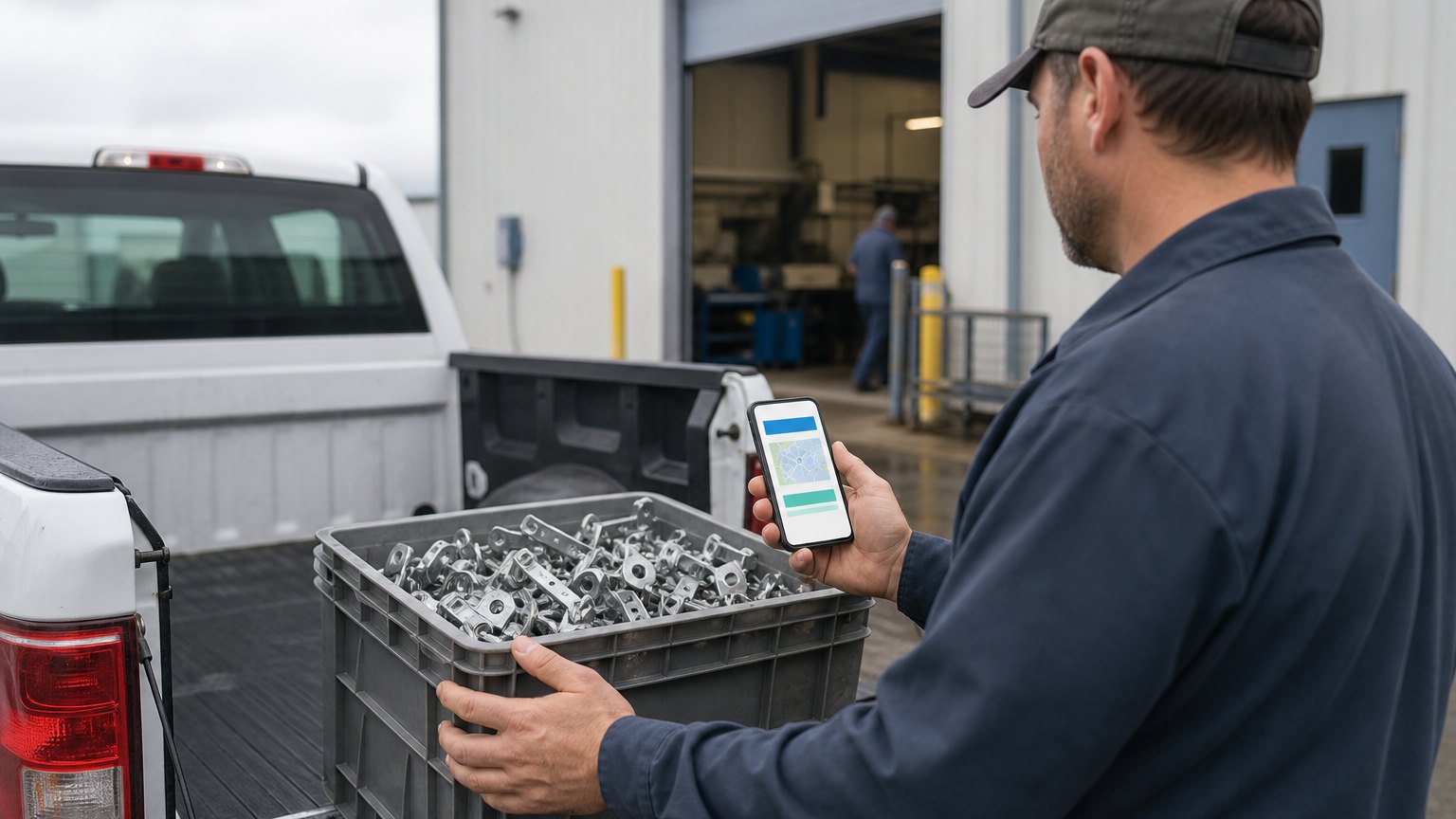
Parts at the plater, drawings waiting on approval, ship dates nobody confirmed. A supplier portal turns those phone calls into records you can see.
If the only way to know where your parts are is to call the supplier, you do not know where your parts are.
It is Thursday afternoon. A customer order is due to ship Monday, and the parts are not on the shelf. The system says they are in stock, but they are actually at the plater. Purchasing calls the plater, who thinks they went out Tuesday. Shipping has no record of them coming back. Someone drives over to check.
Most manufacturers depend on suppliers for more than raw material: plating, heat treat, coating, machining overflow, purchased components. Each one is a place where parts disappear from view. A supplier portal does not make suppliers faster, but it makes their status visible, and that is usually what stops the Thursday scramble.
Four Supplier Conversations That Eat the Week
Ask your purchasing and production control team where their calls and emails go. Most of them fall into four groups:
Every one of these is a record that lives in someone's inbox. A portal turns them into fields everyone can see.
What a Supplier Portal Should Do
| Feature | Who uses it | What it replaces |
|---|---|---|
| Open purchase orders with due dates | Supplier confirms or flags a new date | Calls asking "are we still on for Friday?" |
| Outside-processing status and lot numbers | Processor updates received, in process, shipped | Driving over to check |
| Current drawings and instructions | Supplier downloads the released revision | Printed, mailed or emailed copies |
| Certificate and document upload | Supplier attaches certs to the shipment | Certificates chased by email after receipt |
| Shipment notice with quantities | Supplier tells you what is coming before it arrives | Surprises at the receiving dock |
Behind the portal, the same data should flow into your ERP. Parts at a processor show as "at supplier," not "on hand," and the planner sees a confirmed return date instead of a guess.
Design for the Smallest Supplier
Large suppliers can send electronic shipment notices by EDI. The three-person plating shop down the road cannot, and those are often the suppliers that cause the most surprises. Design the portal for them:
Roll It Out Supplier by Supplier
- List suppliers by volume and by late shipments
- Pilot with two or three willing suppliers
- Start with ship-date confirmation and documents
- Add outside-processing status and lot numbers
- Make portal updates part of the purchase order terms
Start where the pain is. Rank suppliers by how often their parts are late or invisible, and pilot with two or three who are willing. Their feedback will shape the screens more than any requirements document.
What to Measure
By the Numbers: What Published Case Studies Report
All four of the published case studies here replaced phone, email or paper coordination with suppliers by moving it into a portal, and each gives figures. Published industry case studies from software firms show where the time goes. The figures below are self-reported by the firms that published them, and each describes a single project rather than an industry average.
- 136suppliers using a web portal at a deep-drawn metal stamping manufacturer, with paperwork cut from 2 hours a day to a few hours a month
- ~$50Kin annual savings per location after an automotive parts maker moved drawing approvals online, with same-day supplier response instead of mail
- 90%reduction in manual vendor coordination at a fire protection products company using a vendor portal
- 70-90new suppliers onboarded each year through a bidding portal, as purchase orders managed went from $138M to $263M in three years
Self-reported results from case studies other software firms have published. See Sources & method below.
Where does your team sit? The 14-day Ops Efficiency audit measures it. Book the audit
Where to Begin
List the five suppliers whose parts you chase most often. Their late deliveries and missing paperwork are where a portal pays for itself first.
Which suppliers cost your team the most time? Book a call and we will map your supplier touchpoints with you and show what to put in front of suppliers first. Learn more about our work with manufacturers.
Sources & method
- Deep-drawn metal stamping manufacturer, WIP tracking and supplier portal — published case study (Software InsITe)
- Global automotive parts manufacturer, online drawing approval — published case study (SharpQuest)
- Industrial systems company, web ERP with supplier bidding portal — published case study (SharpQuest)
- Fire protection products company, vendor portal for fulfillment partners — published case study (Digital Radium)
Figures are self-reported results from case studies other software firms have published. Delta did not produce these results. Where a source says “up to”, so do we.
FAQ
Frequently Asked Questions

Know a business that’s struggling to keep up with changing customer expectations?
Share this article.
Tell Us What You’re Seeing
How are customer expectations changing in your industry? Share your thoughts privately with Delta Insights.