Business Strategy
How Restaurant Franchisors Build a Franchisee Portal Owners Actually Use
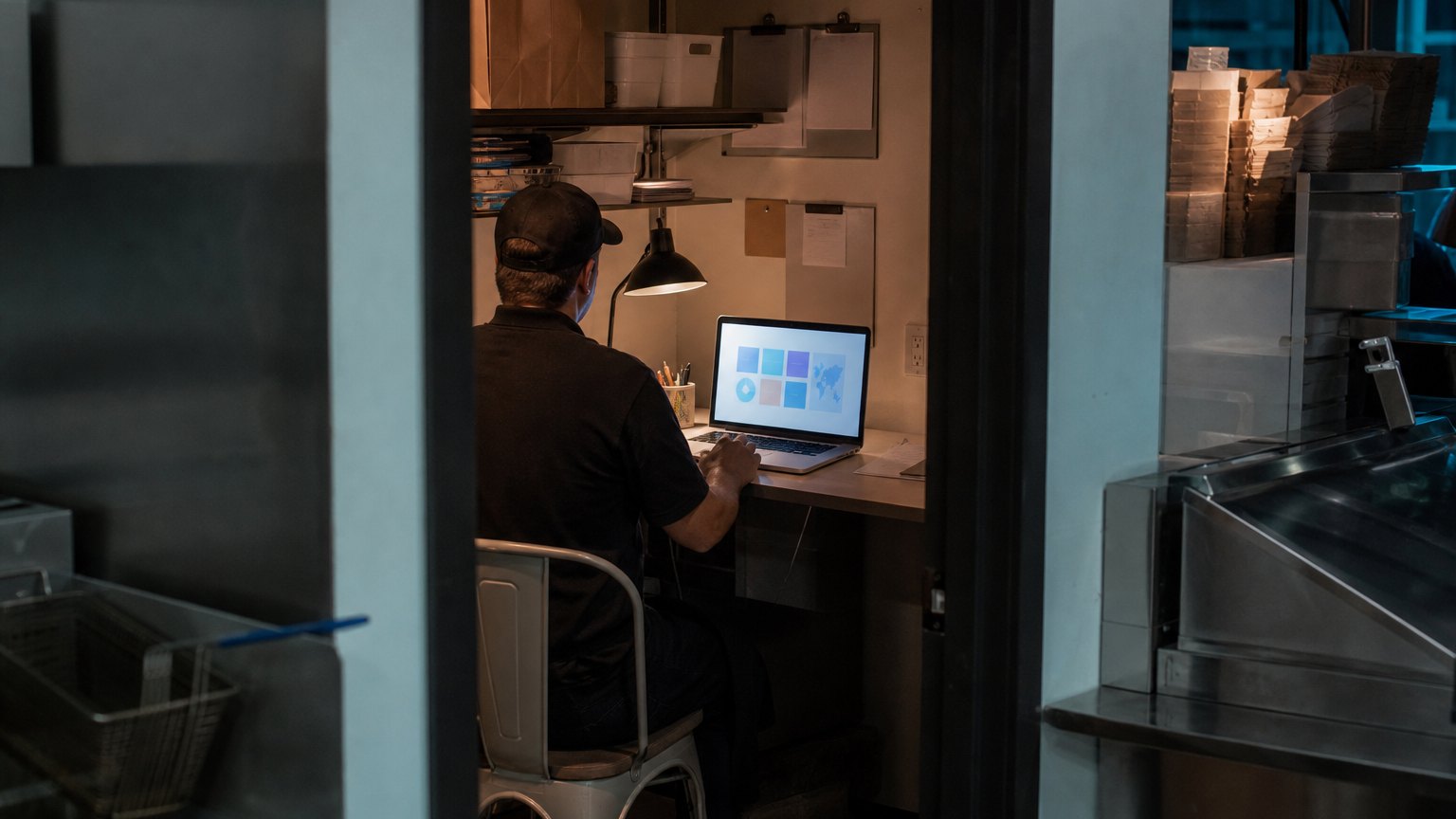
Brand standards in one inbox, renewals in another and recipes in a shared drive. A franchisee portal pulls them into one place, if you build it around the owner's week.
A franchise portal succeeds when an owner can finish a task in it, not just read about one.
Ask a franchise owner where to find the current allergen sheet, the date their insurance certificate expires, or last week's sales for their second store, and you will often get three different answers: an email from headquarters, a shared drive, and a login they have forgotten.
Franchisors feel the other side of it. Brand standards drift because updates are buried in inboxes. Renewals slip because reminders go to someone who left. Field consultants spend visits answering questions a well-built portal could have answered.
A franchisee portal, sometimes called a franchise intranet, fixes this when it is built around what an owner needs to do each week. This guide covers what it should do, how to roll it out, and why so many end up unused.
Start with the owner's week, not your org chart
Most failed portals are organized the way headquarters is organized: a page for marketing, a page for operations, a page for legal. Owners do not think that way. They think in tasks:
Build the home screen around those four questions and you are most of the way there.
Five jobs a franchisee portal should do
1. Publish brand standards with a version history
Every standard, recipe card and operations manual lives in one place, with a date and a summary of what changed. When a standard changes, owners and managers get a short alert that links to the new version, not a 40-page attachment.
2. Track compliance and renewals
Franchise licensing documents, insurance certificates and inspections each get an owner, a due date and automatic reminders. Headquarters sees what is overdue by location instead of chasing it by email.
3. Give one login to the tools owners already use
Accounting, training, scheduling and ordering systems do not need to be rebuilt. Single sign-on and links from the portal remove the password juggling, which is often the biggest everyday friction.
4. Show each location its own numbers
Sales, labor and audit scores for the owner's stores, compared with the system average. Owners log in for this more than for anything else.
5. Push menu and recipe changes to every store at once
Recipe and menu updates are where errors cost the most. If recipes live in separate files at each store, a change has to be made many times, and some stores will miss it. Manage recipes centrally and push them to the stores' systems.
Build, buy or connect?
If your needs are mostly documents and announcements, an off-the-shelf franchise intranet is the fastest route. When owners need to complete tasks that touch your own systems, such as sales reporting, recipe management or ordering, a custom portal or a custom layer on top of a packaged one usually pays off, because the value sits in those connections.
- Interview five owners and five general managers
- Map every tool and login they use today
- Launch with three daily tasks, not thirty pages
- Connect single sign-on to the existing tools
- Pilot with a handful of locations
- Roll out by region and retire the old channels
How to roll it out without losing owners
Interview first. Spend an hour each with five owners and five general managers. Ask what they did last week that wasted time.
Inventory the logins. List every system a franchisee touches. This becomes your single sign-on list and shows where the duplicate typing happens.
Launch small. Three tasks owners do every day beat thirty pages they never open.
Pilot, then expand. A handful of locations for a month will surface the problems before the whole system sees them.
Turn off the old channels. If the shared drive and the announcement emails keep running, the portal becomes one more place to check.
Get access right from day one
Franchise systems change hands, so access rules matter more than in a single company:
Mistakes that leave portals empty
By the numbers
Published industry case studies from software firms show what a connected portal can save. The figures below are self-reported by the firms that published them, and each describes a single project rather than an industry average.
- 6,700hours of data entry saved in one year by a restaurant chain's franchise intranet
- 20+custom and single sign-on applications brought into that one intranet
- Within 5 mina bare machine becomes a fully provisioned in-store recipe engine at a smoothie chain
Self-reported results from case studies other software firms have published. See Sources & method below.
Where does your team sit? The 14-day Ops Efficiency audit measures it. Book the audit
Your first three moves
Owners come back to a portal that saved them time once. If you want help choosing that first task, a systems review maps the work between headquarters and your locations and ranks it by hours saved.
Sources & method
- Restaurant chain with 1,210+ locations, franchise intranet — published case study (DiscoverTec)
- Smoothie chain, in-store recipe engine and POS integration — published case study (Carrollton Enterprise Services)
Figures are self-reported results from case studies other software firms have published. Delta did not produce these results. Where a source says “up to”, so do we.
FAQ
Frequently Asked Questions

Know a business that’s struggling to keep up with changing customer expectations?
Share this article.
Tell Us What You’re Seeing
How are customer expectations changing in your industry? Share your thoughts privately with Delta Insights.