Business Strategy
How to Forecast Restaurant Demand So Staffing and Prep Match the Rush
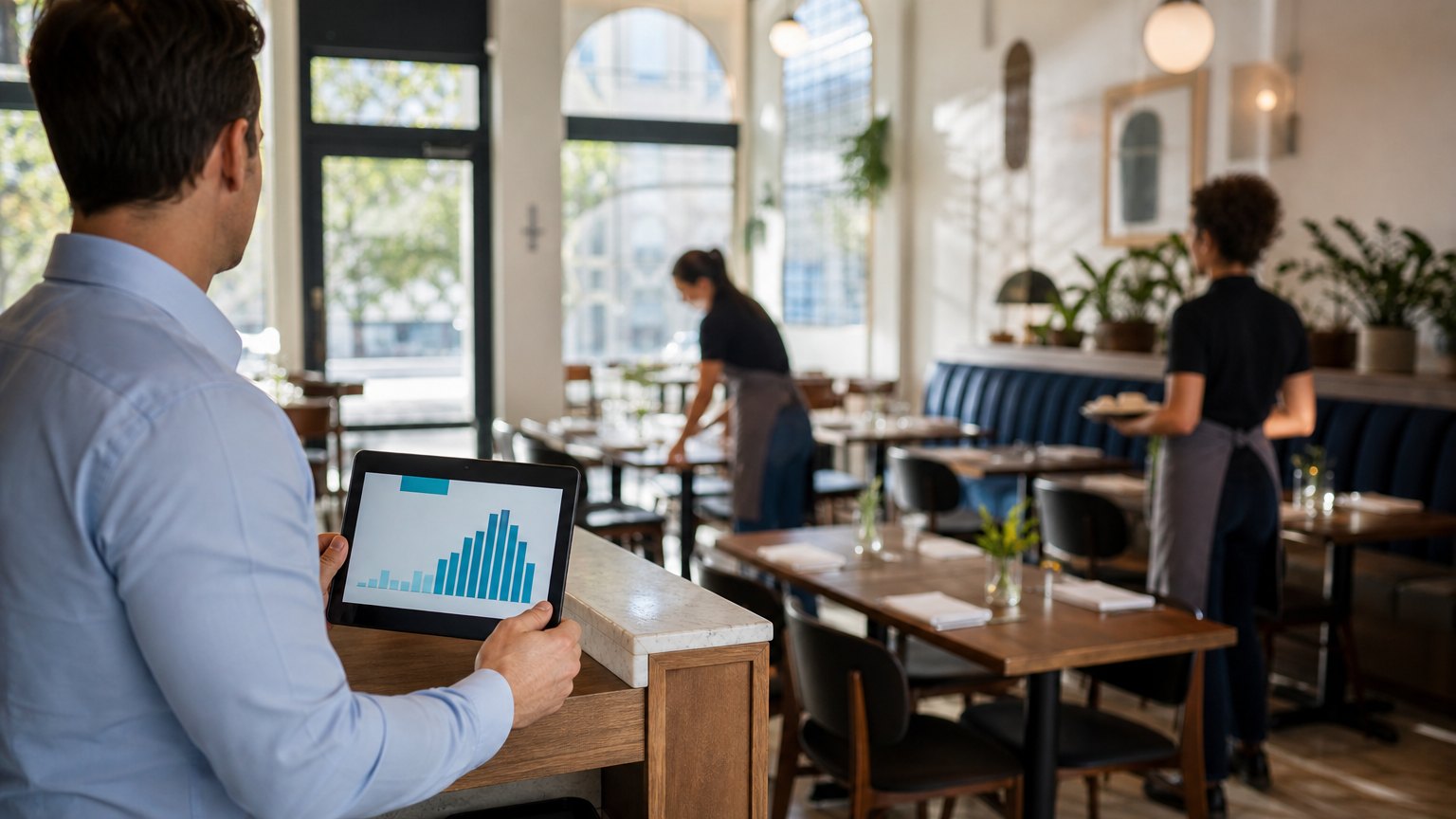
Overstaffed on a quiet Tuesday, short-handed on a surprise Saturday, and prep that runs out or gets thrown away. A forecast fixes all three.
Labor and food cost are decided days before the shift, on the day someone writes the schedule and the prep list.
Labor and food are the two biggest costs a restaurant controls, and both are mostly decided before the shift begins. The schedule is written days ahead, the prep list the morning before. If the guess behind them is wrong, the shift is either overstaffed and overprepped, or short-handed and running out of the best-selling items.
Many operators still make that guess from memory: "Saturdays are busy, Tuesdays are slow." That works until a local event, a heat wave or a delivery promotion changes the pattern. This guide shows a simple, repeatable way to forecast demand by hour, turn it into staff schedules and prep quantities, and measure whether the forecast is getting better.
Step one: forecast by hour, not by day
A daily total hides the shape of the day. Two Saturdays with the same sales can need very different crews if one peaks at noon and the other at 7 p.m. Forecast covers, or orders for counter service and delivery, for every hour you are open.
Here is a worked example with hypothetical numbers for one Friday dinner:
| Hour | Same Friday, last 4 weeks (average) | Adjustment | Forecast |
|---|---|---|---|
| 5 p.m. | 38 | None | 38 |
| 6 p.m. | 72 | Concert nearby, plus 15% | 83 |
| 7 p.m. | 90 | Concert nearby, plus 15% | 104 |
| 8 p.m. | 61 | None | 61 |
The base is the average for the same weekday and hour over the last four to six weeks. Adjustments come from things you know: events, holidays, weather, promotions and school calendars. Keep a log of every adjustment and how it turned out, and your adjustments get more accurate over time.
Step two: turn demand into labor
Decide how many covers or orders each position can handle per hour at your standard of service. Then divide.
If a server comfortably handles 18 covers an hour, the 7 p.m. forecast of 104 covers needs about six servers on the floor. Do the same for the line, the bar, the expo and the dish station, each with its own productivity number. Round to whole shifts, then add a minimum crew for opening, closing and safety.
Two rules keep this honest:
Step three: turn demand into prep
Your POS already knows the item mix: what share of covers order each dish. Multiply the forecast by the mix to set prep quantities, then adjust for shelf life. If 22% of Friday dinner guests order the short rib and you forecast 286 covers, plan for about 63 portions, plus whatever buffer you can afford to waste.
Feed the same forecast into ordering, and purchasing stops being a guess as well.
- Forecast covers and orders by hour
- Adjust for events, weather and promotions
- Convert demand into labor hours by station
- Convert demand into prep quantities
- Compare forecast with actuals every week
Step four: measure forecast error every week
Compare forecast with actual for every hour and record the gap as a percentage. Average it over the week. Watch which hours and days miss most often, and look for the pattern behind them: weather, events, a new delivery channel or a menu change.
You do not need perfect accuracy. You need accuracy that improves, and a schedule that adjusts when it misses. Track these alongside it:
Pitfalls to avoid
When a spreadsheet stops being enough
A spreadsheet works for one location with one channel. It strains when you add locations, delivery and online ordering, frequent promotions, or when the forecast should flow into scheduling and purchasing without anyone copying numbers. At that point, connecting the POS, scheduling and ordering systems to one forecast saves hours each week and removes the copy-paste errors.
By the numbers
Published industry case studies from software firms show what better forecasting has delivered in hospitality. The figures below are self-reported by the firms that published them, and each describes a single project rather than an industry average.
- 20%better demand forecasting accuracy at a global fast-food chain, reducing waste
- 15%improvement in staffing optimization at the same chain during peak demand
- Up to 15%higher booking rates at a tour operator as demand predictions improved
Self-reported results from case studies other software firms have published. See Sources & method below.
Where does your team sit? The 14-day Ops Efficiency audit measures it. Book the audit
Where to start
Pull the last six weeks of hourly sales for one location and build next Friday's forecast by hand using the method above. Then compare it with your current schedule. The gap is your first estimate of what forecasting is worth.
Delta Technologies connects POS, scheduling and purchasing data so forecasts drive the schedule and the order. See our services, read more on the blog, or book a systems review to map where labor and food cost are decided.
Sources & method
- Global fast-food chain, analytics platform for forecasting and staffing — published case study (Onix)
- Tour operator, AI demand prediction — published case study (Dynamia)
- Quick-service brand with 2,600 locations, delivery batching system — published case study (Stable Kernel)
Figures are self-reported results from case studies other software firms have published. Delta did not produce these results. Where a source says “up to”, so do we.
FAQ
Frequently Asked Questions

Know a business that’s struggling to keep up with changing customer expectations?
Share this article.
Tell Us What You’re Seeing
How are customer expectations changing in your industry? Share your thoughts privately with Delta Insights.