Business Strategy
Is Your Case Management System Too Slow? How to Decide Whether to Fix, Rebuild or Replace It
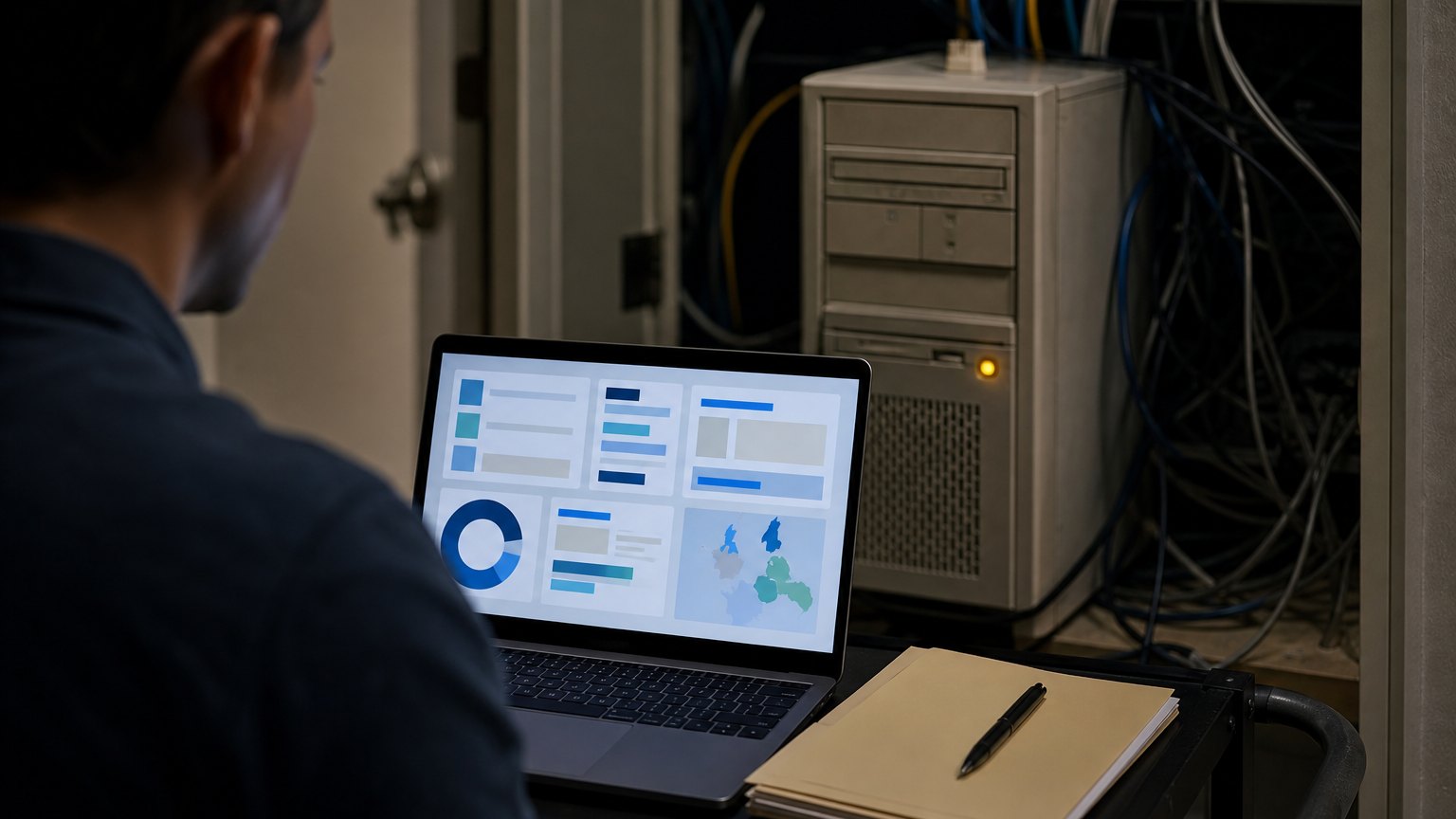
A decision guide for firms running a homegrown or decades-old case system that staff work around every day.
When saving a record takes minutes, people stop saving records. That is when the system starts losing the firm's memory.
Some firms run on a case system that was built for them years ago, often by one developer, in a database that was modern at the time. It knows the firm's workflow better than any product on the market. It is also slow, hard to change and understood by fewer people every year.
The day-to-day cost is easy to miss because staff absorb it. They wait for saves, keep a spreadsheet beside the system, and ask the one person who knows how to pull a report. This guide helps you decide what to do about it: tune it, rebuild it or replace it.
Signs The System Is Costing You
Two or more of these and the question is no longer whether to act, but how.
Three Options, Honestly Compared
| Option | Fits when | Main risk |
|---|---|---|
| Tune what you have | Slowness comes from a few hot spots, and the logic still fits how the firm works | Buys time without fixing the platform |
| Rebuild on a modern platform, keeping the workflow | The workflow is right but the technology is not | Scope creep if every old quirk is rebuilt |
| Replace with practice management software | Your workflow is standard for your practice area | Data migration, retraining and lost custom steps |
Five Questions That Decide It
What Not To Carry Over
A rebuild is the one chance to drop what the old system forced on the firm. Before anything is rebuilt, list and question:
Every item dropped is one less thing to build, test and train. Every item kept should have a named person who still uses it.
A Migration Plan Without A Big-Bang Cutover
- Map Every Screen, Report And Workaround
- Clean And Map The Data
- Rebuild The Busiest Path First
- Run Old And New Side By Side
- Retire The Old System On A Set Date
Map every screen, report and workaround
Sit with the heaviest users and list what they open, what they print and what they keep outside the system. The workarounds are the real requirements.
Clean and map the data
Inventory every table and field, and every link to a stored document. Decide what moves, what is archived read-only and what is retired. Fix duplicates and broken links before migration, not after.
Rebuild the busiest path first
Start with the screens used most often, such as opening a matter and saving a record. A fast version of the daily path earns trust for everything that follows.
Run old and new side by side
Run both systems through a normal cycle and compare results. Validate record counts and check a sample of matters field by field.
Retire the old system on a set date
Set the date in advance and keep the old system read-only for a defined period. Without a date, parallel running never ends.
By The Numbers
Published industry case studies from software firms show where the time goes. Replacing legacy software is a recurring result in published legal-services case studies, though staff hours saved and better visibility are reported more often. The figures below are self-reported by the firms that published them, and each describes a single project rather than an industry average.
- Up to ten minutesto save a simple claims record in a workers' compensation firm's case system, built over 20 years ago, before the rebuild
- Over 75daily users supported on the rebuilt system, which eliminated the multi-minute save delays
Self-reported results from case studies other software firms have published. See Sources & method below.
Results vary by firm, and none of these is a promise. They show that the cost of an old system is paid in waiting time, every day.
Where does your team sit? The 14-day Ops Efficiency audit measures it. Book the audit
Where To Start
Time the five most common actions in your current system for a week, and list every spreadsheet kept beside it. That gives you a baseline, and usually makes the choice between tuning, rebuilding and replacing much clearer.
Delta Technologies modernizes and integrates the systems a firm already relies on. See our services, read more on the Delta blog, or book a systems review to get an outside read on whether to fix, rebuild or replace.
Sources & method
- Workers' compensation law firm, legacy case system rebuild — published case study (Ticomix)
- Large immigration law firm, document generation from case data — published case study (Daxima)
Figures are self-reported results from case studies other software firms have published. Delta did not produce these results. Where a source says “up to”, so do we.
FAQ
Frequently Asked Questions

Know a business that’s struggling to keep up with changing customer expectations?
Share this article.
Tell Us What You’re Seeing
How are customer expectations changing in your industry? Share your thoughts privately with Delta Insights.