Business Strategy
Outgrown Your ERP? How Manufacturers Decide to Replace It, Extend It or Build Around It
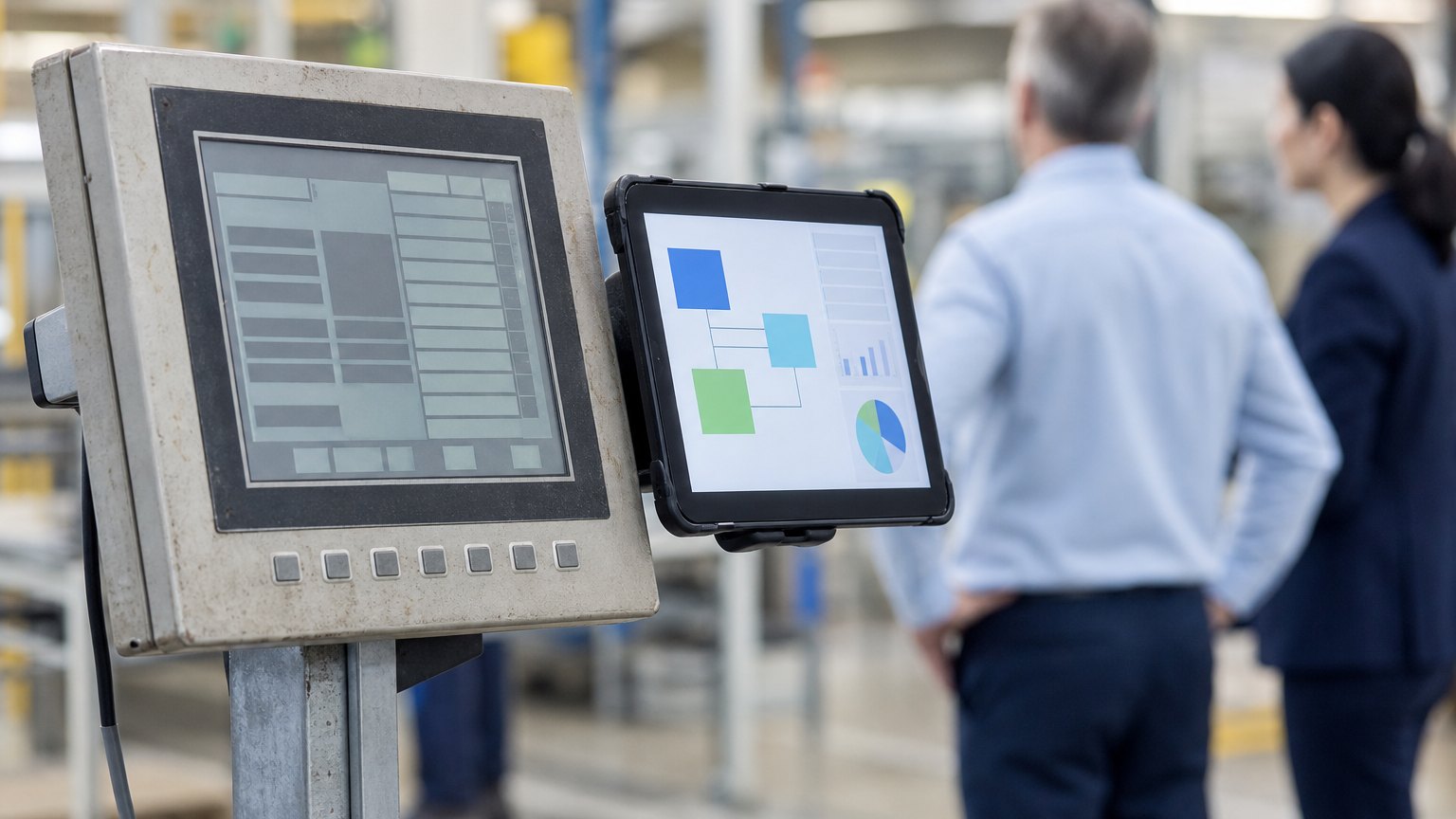
Spreadsheets around the ERP, an upgrade nobody dares to run, one person who knows how it works. Here is how to choose the right fix, with what published case studies show.
Replacing the ERP is the most expensive answer. Make sure it is the answer to the right question.
Most manufacturers do not decide to replace their ERP on a calm day. The decision usually arrives with a symptom: the vendor is ending support for your version, an upgrade failed, the one person who understands the customizations is retiring, or the spreadsheets around the system have become the real system.
Replacing an ERP is a large, risky project. Sometimes it is the right call. Often a smaller move fixes the actual problem. This guide lays out four options, the questions that decide between them, and what published case studies show.
Signs You Have Outgrown It
Some of these point at the core system. Others point at the edges around it. That distinction matters more than anything else.
Four Ways to Respond
| Option | What it means | When it fits | Main risk |
|---|---|---|---|
| Replace | Move to a new core ERP | The core is unsupported, unstable or cannot run your accounting, inventory and costing | Cost, disruption, data migration |
| Extend | Configure, add modules or connect proven add-ons | The core works, but a known gap has a standard answer | Module cost, more customizations |
| Build around | A custom tool for the workflow the ERP cannot model, connected through its API | Your differentiator is a process no package fits | Needs a partner who will support it |
| Stabilize | Back it up, document it, isolate it and fix what is fragile | Replacement is years away, but today's system is a liability | Postpones the bigger decision |
These are not exclusive. A common path is to stabilize now, build the differentiating workflows around the core, and replace the core later on your own schedule.
Questions That Decide It
Changing the System Without Stopping the Plant
- Write down how work really flows today
- Clean items, bills of materials and routings
- Choose the core system for accounting, inventory and costing
- Decide which edge workflows to keep, buy or build
- Run old and new in parallel
- Cut over one area at a time
The steps are the same whether you replace, extend or build around. The order matters: clean data and a written picture of how work really flows come before any software decision.
Where Replacements Go Wrong
By the Numbers: What 424 Published Case Studies Show
Across the 424 published manufacturing case studies we reviewed, the most common result was better data visibility, followed by faster turnaround and then replacement of a legacy system. Fewer errors (84) and hours saved (81) came right behind. Most of the work was software rather than machinery: 344 of the 424 automated operations on existing equipment. Only 191 of the 424 put a number on any result, so the figures below are the ones firms chose to publish. They are self-reported and each describes a single project.
- 138reported better data visibility, the most common result
- 126reported faster turnaround
- 86reported replacing a legacy system, 54 of them with a figure
- 344were software work on existing equipment, with no new machinery, robots or sensors at the core
Self-reported results from case studies other software firms have published. See Sources & method below.
- 94%faster ERP implementation at a family-run dairy manufacturer, with $100,000 in annual cybersecurity savings
- $8M → $50Mgrowth over 15 years at a make-to-order sign manufacturer that extended its ERP for the gaps
- $30,000a year saved by a metal stamping maker that built its own WIP tracking instead of buying an ERP module
- 0system outages after a synthetic fiber maker's custom ERP moved to modern cloud infrastructure, with infrastructure costs down 50%
Self-reported results from case studies other software firms have published. See Sources & method below.
The biggest single results in the set were also software, not machinery: nearly 40,000 human-hours of work saved over about 2 years of using a configure-price-quote system at an industrial components maker, and $18M of excess inventory eliminated at a $2.4 billion industrial manufacturer after it rebuilt its sales and operations planning.
Where does your team sit? The 14-day Ops Efficiency audit measures it. Book the audit
Decide With Evidence
Before you sign anything, list every spreadsheet and side system around your ERP and what each one does. That list shows whether your problem is the core or the edges.
Book the 14-day Ops Efficiency audit and we will help you map it. See how we work with manufacturers, explore our services, or read more on our blog.
Sources & method
- Family-run dairy manufacturer, ERP implementation — published case study (West Monroe)
- Make-to-order sign manufacturer, ERP replacement plus extensions — published case study (TwinEngines)
- Four-plant feed manufacturer, legacy production system stabilization — published case study (Happen Technologies)
- Synthetic fiber manufacturer, custom ERP takeover and cloud migration — published case study (Gavant Software)
- Deep-drawn metal stamping manufacturer, WIP tracking built around the ERP — published case study (Software InsITe)
- Midwest custom furniture manufacturer, production-tracking platform — published case study (Counterpart)
Figures are self-reported results from case studies other software firms have published. Delta did not produce these results. Where a source says “up to”, so do we.
FAQ
Frequently Asked Questions

Know a business that’s struggling to keep up with changing customer expectations?
Share this article.
Tell Us What You’re Seeing
How are customer expectations changing in your industry? Share your thoughts privately with Delta Insights.