Business Strategy
How to Get Third-Party Delivery Orders Into Your Restaurant POS
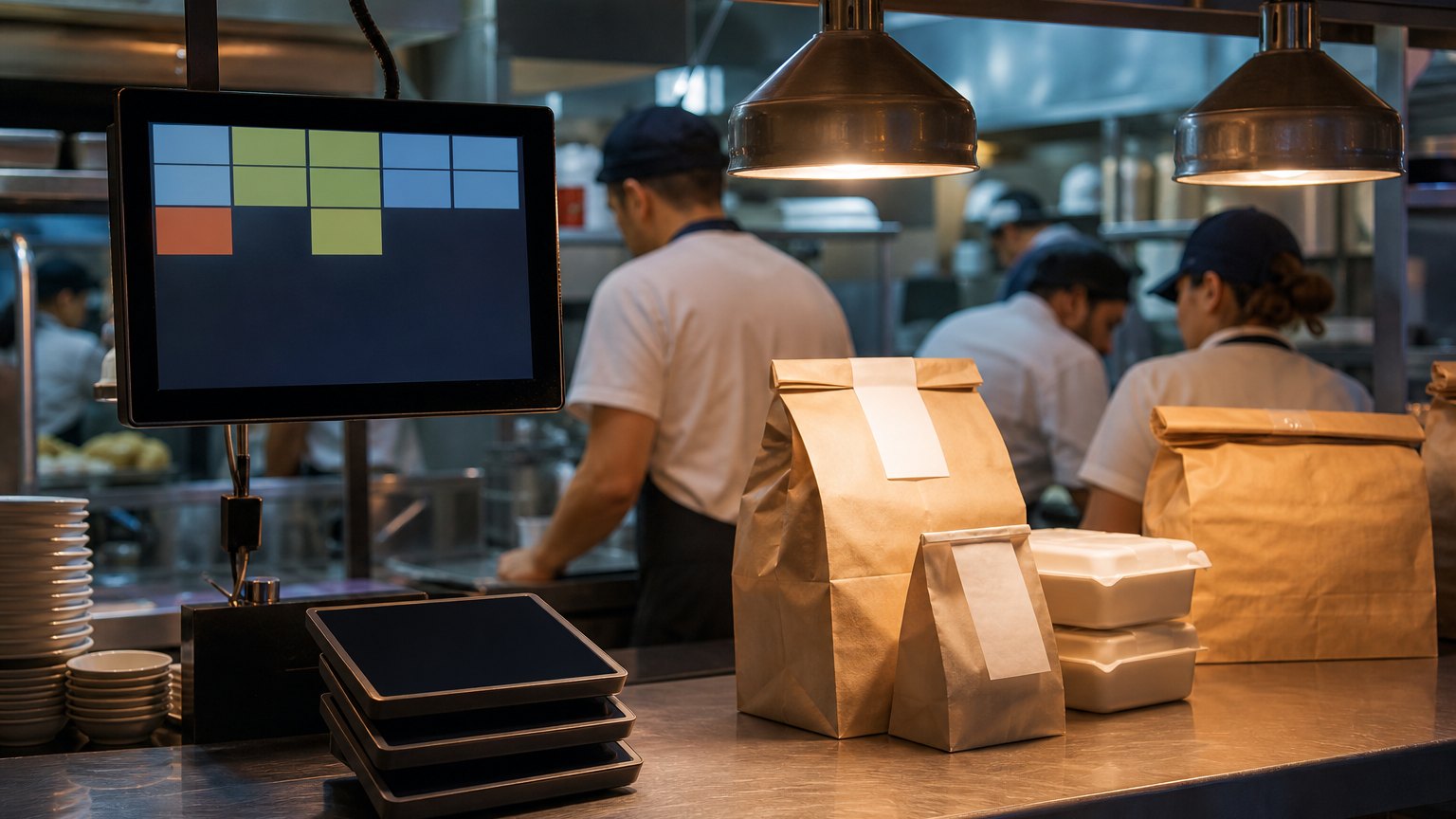
Every delivery tablet at the pass is a second order system your staff runs by hand. Here is how to fold those orders into the POS and the kitchen.
If an order has to be typed twice, sooner or later it will be typed wrong.
Walk up to the expo station of a busy restaurant on a Friday night and count the tablets. One for each delivery app, a printer that only some of them talk to, and one person whose real job during the rush is reading orders off one screen and typing them into another.
That workaround made sense when delivery was a few orders a night. At today's volumes it is a second order system run by hand, and every re-keyed ticket is a chance for a missed modifier, a wrong item or an order the kitchen never sees. This guide covers how to route third-party delivery orders straight into your POS and kitchen, which kind of integration fits which kind of operation, and what to check before and after you switch.
What the tablet stack really costs
The cost rarely shows up as a line item. It shows up as:
Three ways to connect delivery apps to your POS
| Route | How it works | Best fit | Watch out for |
|---|---|---|---|
| POS-native integration | Your POS vendor connects directly to the apps it supports | Single-concept operators whose POS already supports their apps | You get only the apps and features your POS vendor chooses to support |
| Order aggregation service | One service collects orders from every app and sends them into the POS | Operators on several apps with a POS that has an open interface | Another monthly fee and one more system to keep in sync |
| Custom integration layer | Software built around your POS, the apps and your own online ordering | Multi-brand or multi-location groups with their own ordering channel, loyalty or unusual menus | Needs a clear owner and ongoing maintenance |
Most independent restaurants should start with the first option. The custom route earns its keep when you run several brands, need delivery data in your own reporting, or want orders from your own website and app to flow through the same pipe as the marketplaces.
What a good integration does
Whichever route you choose, hold it to this checklist:
The mapping work nobody budgets for
The technical connection is usually the easy part. The real work is in the menu.
Each delivery app structures items and modifiers a little differently, and your POS has its own logic. Before go-live, someone has to map every item, size and modifier group so that "no onions, add bacon" on an app becomes the right buttons in the POS. Combos, bundles and app-only items are where most errors hide.
Plan for it:
What to measure
Take a two-week baseline before you change anything, then compare the same two weeks after go-live:
If the first three numbers do not move, the integration is probably working on paper while staff keep their old habits. Watch the line for a few shifts and find out why.
By the numbers
Published industry case studies from software firms show what connecting these systems has delivered. The figures below are self-reported by the firms that published them, and each describes a single project rather than an industry average.
- 40%less integration time connecting delivery apps to POS and ordering systems at quick-service brands
- 400%more online orders in the first week after a 2,600-location quick-service brand overhauled online ordering
- $4higher average online order, based on recommendations to add or upsize items
Self-reported results from case studies other software firms have published. See Sources & method below.
The lesson is less about any one tool than about ownership. When every order flows through one system you control, you can change the menu, the offers and the reporting without waiting on three vendors.
Where does your team sit? The 14-day Ops Efficiency audit measures it. Book the audit
Where to start
Count your tablets and your re-keyed orders this week. If the answer is more than one tablet and more than a handful of re-keyed orders per shift, connecting them is likely the fastest operational win you have.
Delta Technologies builds integrations around the POS and apps a restaurant already uses. Explore our services, read more on the blog, or book a systems review to map your order flow and rank the fixes by how much time they give back.
Sources & method
- Quick-service brands, delivery-app and POS integration — published case study (SF AppWorks)
- Quick-service brand with 2,600 locations, online ordering overhaul — published case study (Stable Kernel)
Figures are self-reported results from case studies other software firms have published. Delta did not produce these results. Where a source says “up to”, so do we.
FAQ
Frequently Asked Questions

Know a business that’s struggling to keep up with changing customer expectations?
Share this article.
Tell Us What You’re Seeing
How are customer expectations changing in your industry? Share your thoughts privately with Delta Insights.