Business Strategy
Ecommerce Order Fulfillment Automation: How to Cut Pick, Pack, and Ship Time
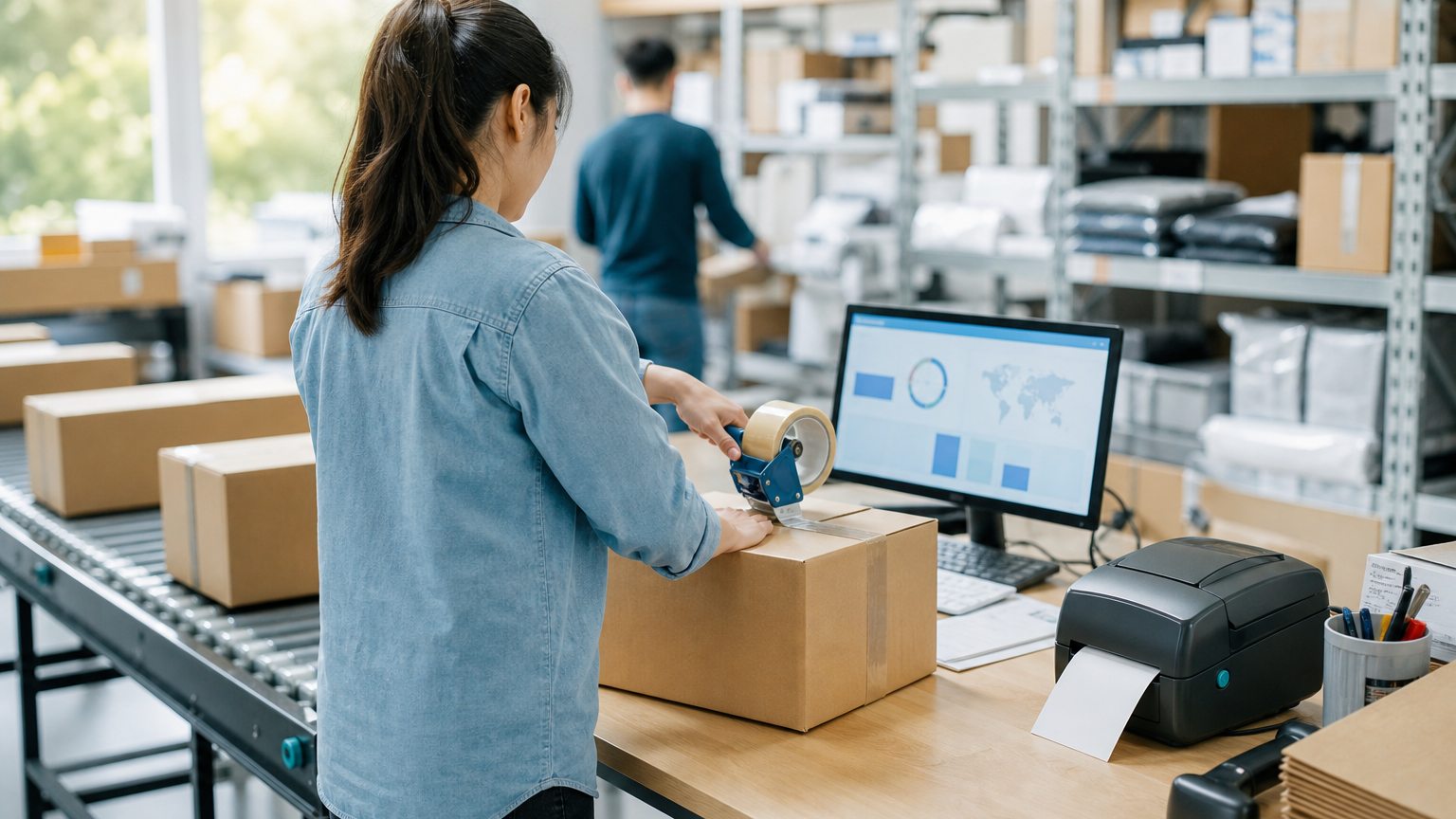
Most of the time between "order placed" and "label printed" is spent on clicks, not on picking. Here is where to automate and where to keep a person.
Automate the routine orders completely, and send only the strange ones to a person.
Watch an order move through a growing online store and you will see more clicking than picking.
Someone opens the order. They check the address and the payment. They look up which shelf or warehouse has the item. They print a pick list, walk the floor, pack the box, buy a label on a shipping site, paste the tracking number back into the store, and move on to the next one. Each step takes a minute or two. At a few hundred orders a day, those minutes become your biggest labor cost and the reason you hire every peak season.
Fulfillment automation removes the clicks. It does not replace your warehouse team. It lets them spend their time on the physical work and on the orders that genuinely need a decision.
Where the Time Actually Goes
Before you automate anything, time one ordinary day. Track how long an order waits at each stage, not just how long the work takes. You will usually find time hiding in four places:
Order intake can be its own bottleneck. In a published case study, a B2B ordering marketplace was built because retailers placed orders with vendors by phone calls, text messages, and email, "causing delays and inaccuracies with order fulfillment." If orders don't arrive in one queue, nothing downstream can be automated.
- Capture every order in one queue
- Validate address, payment, and stock
- Route to the right location or vendor
- Batch and pick by bin location
- Pack and verify by scan
- Print the label and send tracking
Step 1: Capture Every Order in One Queue
Website orders, marketplace orders, wholesale orders, and phone orders should all land in one place with the same fields. Pick that place, usually your order or inventory system, and connect every channel to it.
Step 2: Validate Automatically
Write the checks your team already does in their heads as rules: Is the address deliverable? Did the payment clear any fraud screen? Is every item in stock at one location? Orders that pass go straight to picking. Orders that fail go to a short review queue with the reason shown.
Step 3: Route by Rule
Decide in advance which orders go where: the closest warehouse with full stock, the 3PL for certain SKUs, the dropship vendor for others. Routing rules should be visible and editable by operations, not buried in code nobody can change.
Step 4: Batch, Then Pick
Group orders into waves and sort the pick list by bin location so pickers walk the floor once per batch. Single-item orders can be batched together and packed at one station.
Step 5: Pack and Verify
Scan each item as it goes into the box. A scan that doesn't match the order stops the line before a wrong item ships, which is far cheaper than a return.
Step 6: Label and Notify in One Action
Closing the package should buy the label at the right rate, print it, and push tracking back to the sales channel and the customer automatically.
If You Sell Regulated Products
Compliance records belong inside the same flow, not in a spreadsheet beside it. An online firearms dealer in a published case study kept its federally required records in an Excel-based book, its accounting software wasn't built to run fulfillment from order to shipment, and the owner said it "would take four people plus the 'paper pushers' to pick, pack and ship 100 boxes." After the records, orders, and inventory were connected in one system, the company reported it "can now pick, pack and ship up to 110 boxes with just two people."
People needed to pick, pack, and ship at an online firearms dealer (100 boxes before, up to 110 boxes after)
Before: four people plus the "paper pushers"After: two people
Self-reported results from case studies other software firms have published. See Sources & method below.
Manual Versus Automated, Step by Step
| Step | Typical manual version | Automated version |
|---|---|---|
| Intake | Orders copied in from each channel | Every channel feeds one queue |
| Review | Someone reads every order | Rules pass routine orders, flag the rest |
| Routing | A person picks the location | Rules choose location, 3PL, or vendor |
| Picking | One walk per order | Batched waves sorted by bin |
| Shipping | Labels bought one by one | Label, rate, and tracking in one scan |
What to Measure
Mistakes to Avoid
By the Numbers
Published industry case studies from software firms show where the time goes. The figures below are self-reported by the firms that published them, and each describes a single project rather than an industry average.
- Halfthe pick and ship time at an online firearms dealer after orders, inventory, and compliance records moved into one integrated system
- Seven timesgrowth in annual transactions since 2015 at a luxury food importer, a volume its custom back end, built for rapid, bulk order fulfillment, now handles
Self-reported results from case studies other software firms have published. See Sources & method below.
Where does your team sit? The 14-day Ops Efficiency audit measures it. Book the audit
Start With a Systems Review
If your team is hiring to keep up with order volume, the time is probably going to clicks, not to picking. A systems review times your real order flow, finds the steps worth automating first, and ranks them by the hours they give back. Explore our custom software and automation services or read more on the Delta blog.
Sources & method
- Online firearms dealer, ERP and compliance records integration — published case study (Business Automation Specialists of Minnesota (BASM))
- Luxury food importer, custom ecommerce back end — published case study (Net Theory)
- B2B ordering marketplace for licensed retailers — published case study (Vault Innovation)
Figures are self-reported results from case studies other software firms have published. Delta did not produce these results. Where a source says “up to”, so do we.
FAQ
Frequently Asked Questions

Know a business that’s struggling to keep up with changing customer expectations?
Share this article.
Tell Us What You’re Seeing
How are customer expectations changing in your industry? Share your thoughts privately with Delta Insights.