Business Strategy
Amenity Booking and Resident Requests Without Email, Phone and Spreadsheets
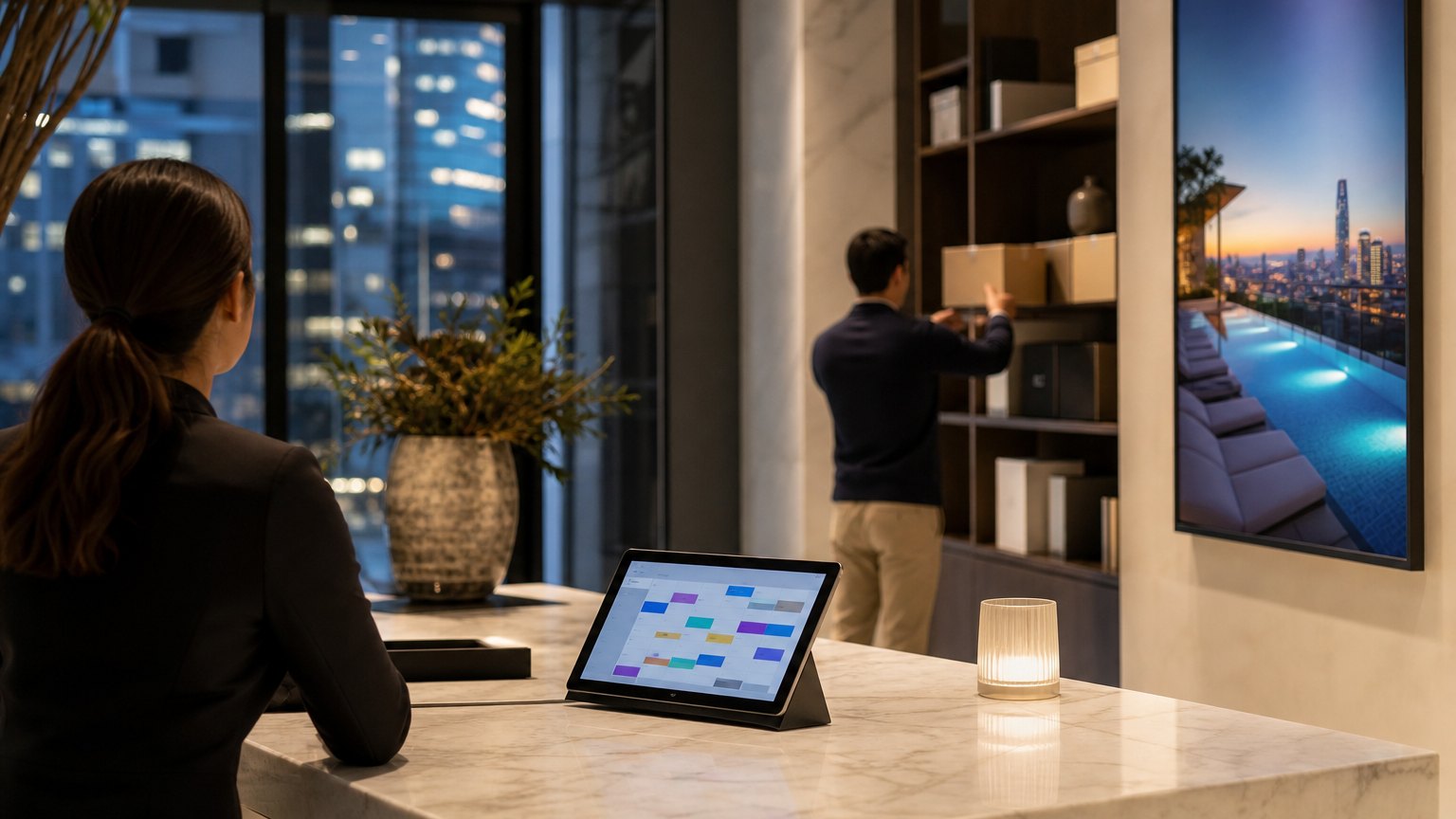
How residential property managers move reservations, payments and service requests into one system, starting with the booking rules nobody has written down.
Most double-bookings are not software failures. They are rules that only lived in one person's head.
A resident emails the front desk to book the rooftop for Saturday. Another calls about the same slot. A third asks the concierge in person. The booking sheet gets updated twice, the deposit gets collected once, and on Saturday two groups show up for the same space.
For many residential property teams, amenities, payments and service requests still run through email, phone and spreadsheets. It works at one building. As the portfolio grows, the coordination load grows with it, and staff spend their day relaying messages instead of running the property. This guide covers how to move that work into one system, starting with the part most teams skip.
Write the booking rules before you choose software
Double-bookings and arguments at the front desk usually come from rules that were never written down. Before you compare any product, document the rules for every bookable space:
| Rule | Example | Why it matters |
|---|---|---|
| Capacity | Up to 20 guests in the party room | Prevents overbooking and safety issues |
| Slot length | 2-hour blocks, 4-hour maximum | Keeps popular spaces available to more residents |
| Booking window | No more than 30 days ahead | Stops a few residents from holding every weekend |
| Per-unit limit | Two bookings per month per unit | Spreads access fairly |
| Buffer time | 30 minutes for cleaning between bookings | Avoids complaints about the state of the room |
| Fees and deposits | Deposit refunded after inspection | Ties damage to the right booking |
| Cancellation | Free up to 48 hours before | Frees slots that would sit empty |
| Blackouts | Closed for maintenance or building events | Keeps staff and residents on the same calendar |
The numbers in the example column are placeholders; your policies will differ. What matters is that each rule is explicit, because software can only enforce what someone has written down.
One app for bookings, payments and service requests
Residents shouldn't need one channel for the gym, another for the guest suite and a third for a leaking faucet. A good setup gives them one app where they can:
The resident side gets the attention, but the staff side decides whether the system lasts. Property teams need one admin view across properties, with every booking, payment and open request in one place, role-based permissions for managers and concierge staff, and exports for reporting. If staff still keep a side spreadsheet, the project isn't finished.
Connect the resident list to your property management system. When residents are added and removed automatically, nobody maintains a second roster, and former residents lose access when they move out.
By the numbers
Published industry case studies from software firms show where the time goes. The figures below are self-reported by the firms that published them, and each describes a single project rather than an industry average.
- ~35%less administrative workload once bookings, payments and service requests moved to automated workflows
- ~40%faster booking process for residents
- ~90%of bookings centralized in one system
- 2×operational scalability: more properties supported without adding administrative staff
Self-reported results from case studies other software firms have published. See Sources & method below.
The firm marks these figures as approximate, and so do we. The pattern is the useful part: the gains come from one system holding every booking and request, not from any single feature.
Where does your team sit? The 14-day Ops Efficiency audit measures it. Book the audit
Rolling it out across a portfolio
- Write the booking rules for every amenity
- Load units and residents from the property management system
- Pilot at one property for a full month
- Fix the rules the pilot exposed
- Move the next properties in groups
- Switch off the email and phone booking path
Pilot at one property for a full month so you see a busy weekend, a cancellation dispute and a maintenance closure before you scale. Expect the pilot to expose rules you missed. Then move the remaining properties in groups, and set a firm date after which bookings by phone and email stop. Until that date, staff should enter phone requests into the app on the resident's behalf so there is only ever one calendar. Announce the change in the lobby, in the resident newsletter and on the confirmation emails themselves, and give the front desk a one-page guide for helping residents install the app and book for the first time.
What to track in the first 90 days
Mistakes to avoid
Where to start
Pick your busiest amenity and write down every rule staff apply to it today, including the unofficial ones. If that list takes more than a page, the rules are your first project. Delta Technologies builds resident apps and staff platforms around the property management systems teams already use. See our services, browse the blog, or book a systems review to map your resident workflows.
Sources & method
Figures are self-reported results from case studies other software firms have published. Delta did not produce these results. Where a source says “up to”, so do we.
FAQ
Frequently Asked Questions

Know a business that’s struggling to keep up with changing customer expectations?
Share this article.
Tell Us What You’re Seeing
How are customer expectations changing in your industry? Share your thoughts privately with Delta Insights.