AI Automation
AI Candidate Matching for Staffing Agencies: A Practical Guide to Faster Submittals
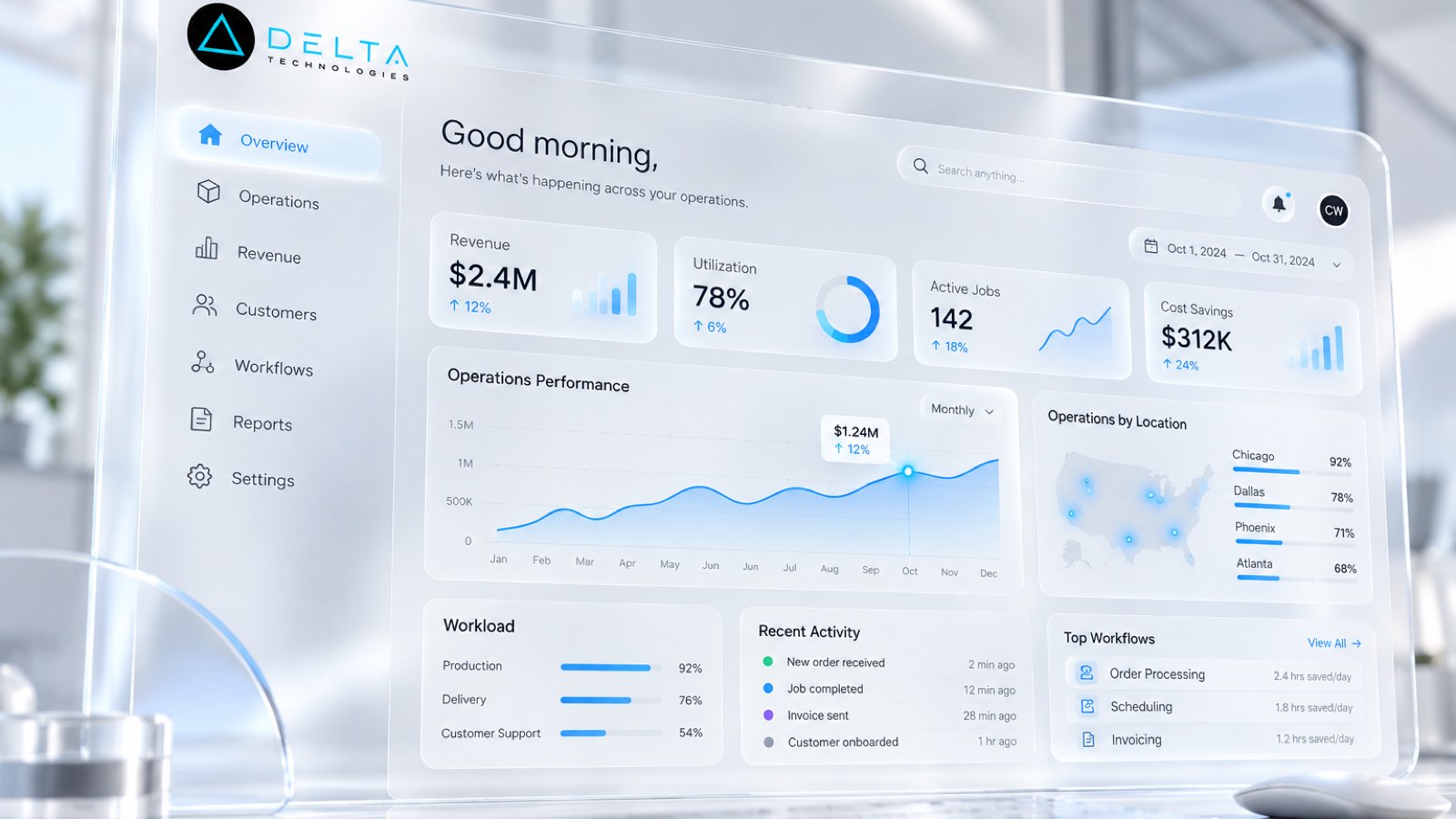
A practical guide to rolling out AI candidate matching in a staffing agency: what to automate, where recruiters stay in control, and what published case studies report.
The goal of candidate matching is not to replace recruiter judgment. It is to stop spending that judgment on searching.
Most staffing agencies do not have a candidate shortage. They have a retrieval problem. The database holds thousands of people who could fill today's order, but finding the right ones means a recruiter running keyword searches, opening résumés one at a time, and checking availability by phone. By the time a shortlist exists, a competing agency may already have submitted.
AI candidate matching addresses that gap. Done well, it ranks the people you already have against the job order in seconds and leaves the submittal decision with the recruiter. Done poorly, it becomes another tool recruiters work around. This guide covers the difference.
Why keyword search stops working
Applicant tracking systems were built to store candidates, not to reason about fit. Keyword search treats "forklift certified" and "reach truck operator, four years" as unrelated. Résumés arrive in every format. Skills sit in notes fields, call logs and text threads rather than in structured fields.
The result is predictable. Recruiters fall back on the twenty people they remember, and the rest of the database goes unused. The agency pays to acquire candidates once and then pays again to find them.
What AI candidate matching actually does
A matching system reads the job order and each candidate record, then scores fit on the factors that predict a placement on your desk: skills and certifications, experience, location and commute distance, shift availability, pay expectations, and recent activity. The output is a ranked shortlist with a short explanation of why each person ranks where they do.
Three design rules separate useful matching from noise:
A practical rollout in five steps
- Pick one desk and one order type
- Clean the record before you score it
- Run matching beside the recruiter, not instead of them
- Measure what the desk cares about
- Expand only after the desk trusts it
1. Pick one desk and one order type
Start where volume is high and requirements are clear, such as a recurring light-industrial role or a single healthcare specialty. A narrow scope makes it easy to judge whether the rankings are right.
2. Clean the record before you score it
Merge duplicate candidates, standardize certification names, and capture availability in a field rather than a note. Matching quality depends more on the record than on the model.
3. Run matching beside the recruiter, not instead of them
For the first few weeks, recruiters build their shortlist as usual and compare it with the system's. Where they disagree, find out why. Usually the answer is a missing field or a requirement the job order never stated, and fixing it improves both the data and the rankings.
4. Measure what the desk cares about
Track the time from order to first submittal, submittals per order, and the share of submittals that came from candidates outside the recruiter's usual pool. Those three numbers show whether matching is changing outcomes or only adding a screen.
5. Expand only after the desk trusts it
When recruiters start opening the ranked list first, add the next order type. Adoption is the signal, not the launch date.
By the numbers: what published case studies report
Published industry case studies from software firms show where the time goes. The figures below are self-reported by the firms that published them, and each describes a single project rather than an industry average.
- 99%confidence rate in a healthcare staffing AI-matching pilot, as validated by human reviewers
- 40%-80%reduction in recruiting costs reported for employers hiring through a college-talent marketplace
Self-reported results from case studies other software firms have published. See Sources & method below.
Note the qualifier on the first figure: it is a pilot result, checked by people. That is the right model for any matching rollout. Let the system rank, and let recruiters confirm.
Where does your team sit? The 14-day Ops Efficiency audit measures it. Book the audit
Common mistakes to avoid
Where custom software fits
Off-the-shelf ATS add-ons work when your matching criteria look like everyone else's. Many agencies win on criteria that are specific to them: a client's unwritten preferences, shift patterns, credential combinations, or a branch's local knowledge. That logic is usually where a custom layer pays for itself.
Industry-specific approaches are on our recruiting and staffing page, and the full range of what we build is on our services page.
Summary
AI candidate matching is valuable when it ranks your existing database against each order in seconds, explains its rankings, and leaves the submittal decision with the recruiter. Start with one desk, clean the record first, run matching beside recruiters until they trust it, and measure time to first submittal. To find where matching would save your desk the most time, book an operations audit.
Sources & method
- Healthcare staffing company, AI candidate matching — published case study (APG Technology, 2025)
- College-talent marketplace, platform build — published case study (Launch Scout)
Figures are self-reported results from case studies other software firms have published. Delta did not produce these results. Where a source says “up to”, so do we.
FAQ
Frequently Asked Questions

Know a business that’s struggling to keep up with changing customer expectations?
Share this article.
Tell Us What You’re Seeing
How are customer expectations changing in your industry? Share your thoughts privately with Delta Insights.